As part of my computer graphics coursework, I built an engine to explore two fundamental rasterization techniques used to dramatically improve the realism of 3D scenes: **Shadow Mapping** and **Environment Mapping**.
While rasterization is incredibly fast, it doesn't naturally handle global light interactions like shadows or reflections. These mapping techniques act as clever workarounds to simulate these physical properties in real-time rendering environments.
### Demonstration
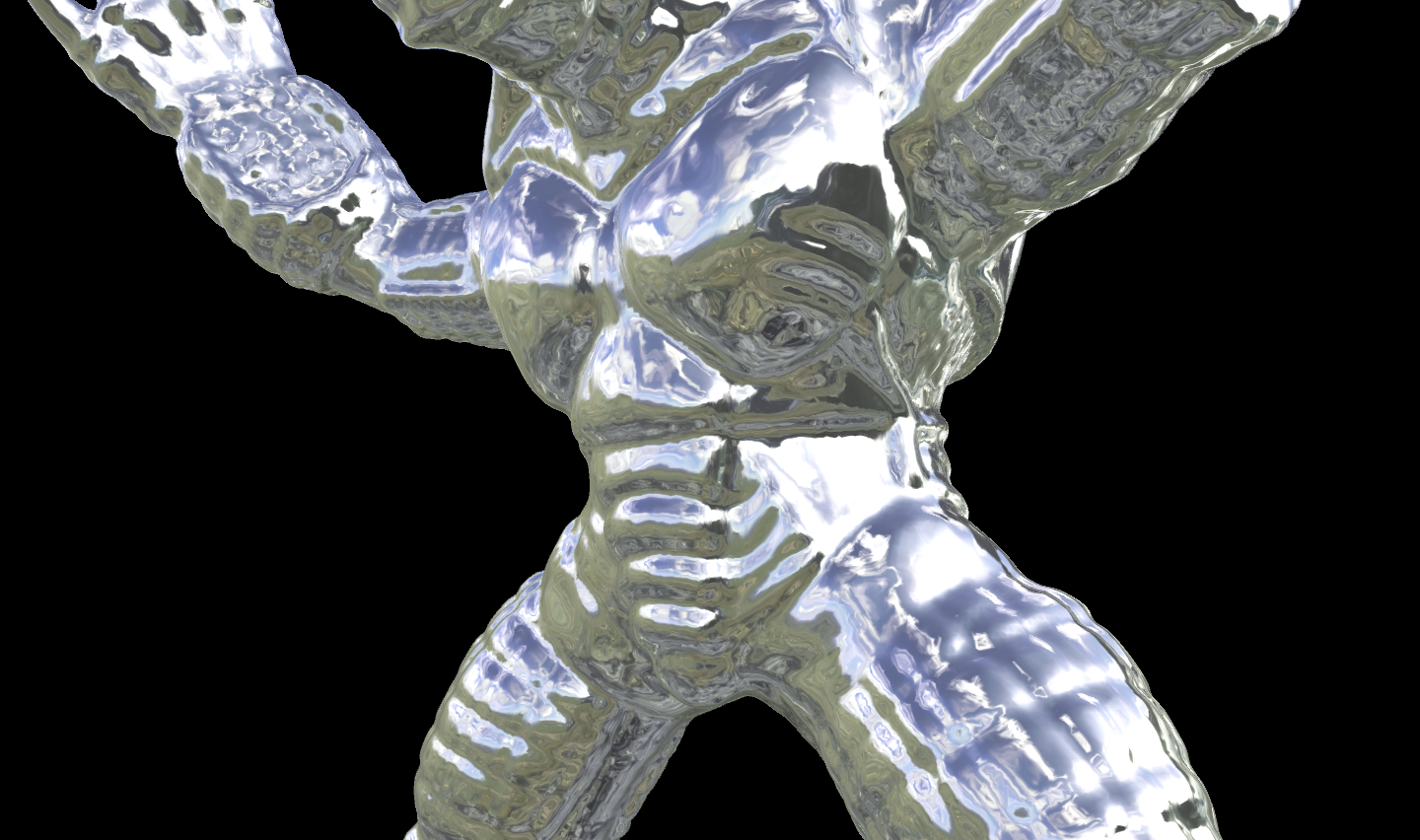
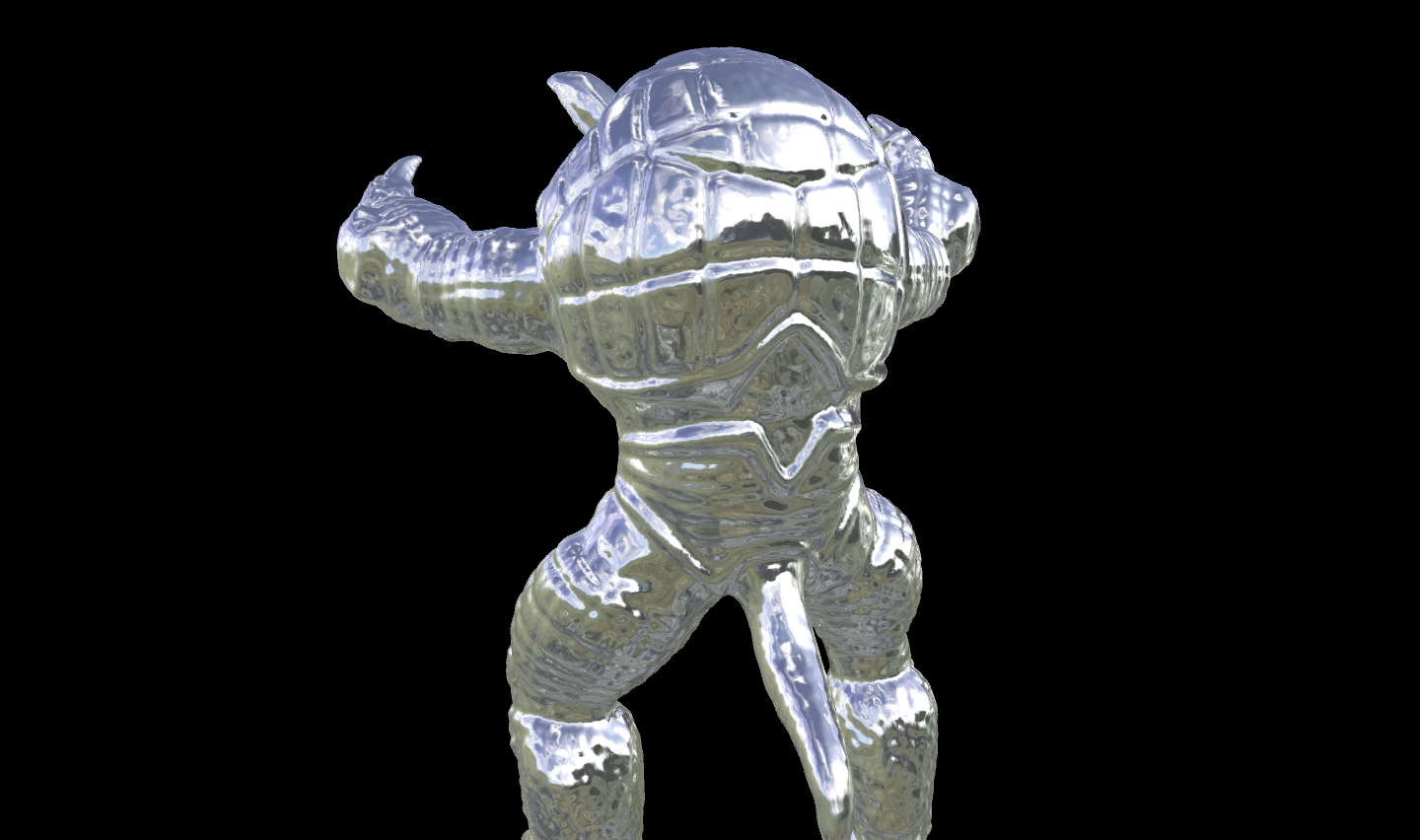
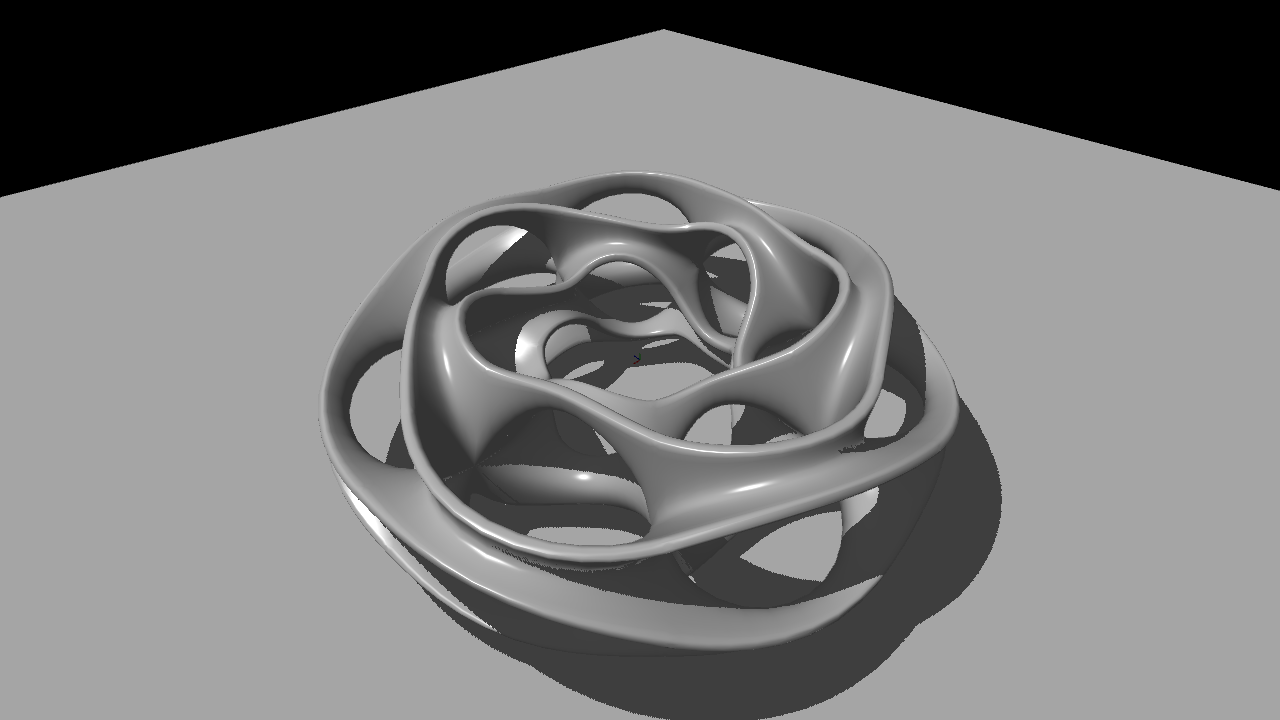
The video below demonstrates the engine running in real-time. It showcases dynamic shadow casting as the light source moves across the scene, and environment mapping on complex geometric models (the Stanford Armadillo and a Heptoroid).
### Technical Overview
* **Shadow Mapping:** This technique involves a two-pass rendering system. First, the scene is rendered from the perspective of the light source to create a "depth map." During the final render pass from the camera's perspective, this map is sampled to determine if a pixel is in shadow or directly illuminated by the light.
* **Environment Mapping:** Also known as reflection mapping, this technique uses a pre-rendered image of the surrounding scene (often a cube map or sphere map) to simulate highly reflective, mirror-like surfaces without the immense computational cost of tracing individual reflection rays.
### Render Gallery
Here are some high-resolution stills from the project, demonstrating the sharp reflections and self-shadowing on the models.